Claude Squad, Conductor and Tools for Parallel Agents
Claude Squad, Conductor and the built-in worktree features compared for running parallel coding agents, and the problem none of them is built to solve.
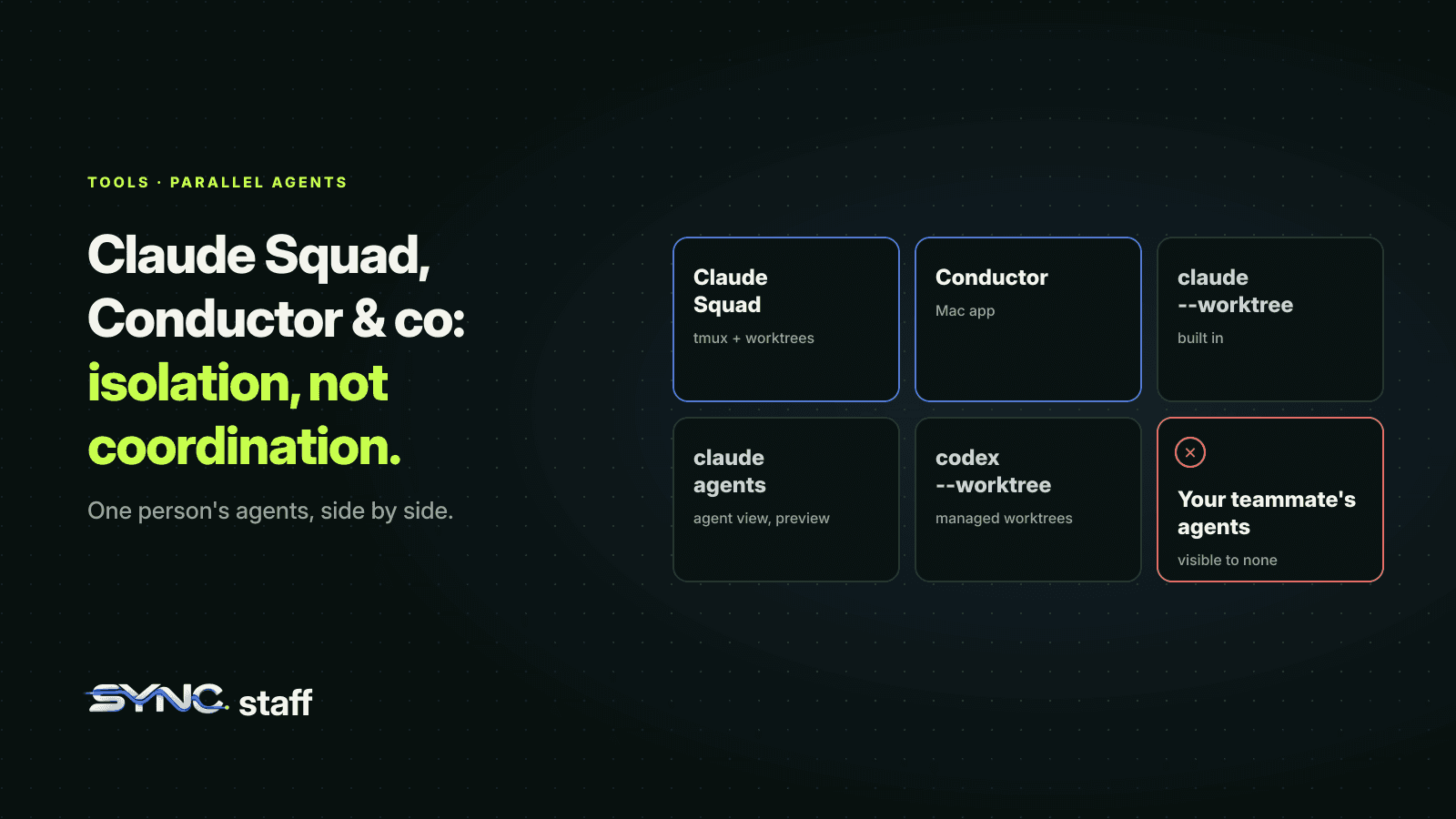
Claude Squad, Conductor and a handful of similar tools all answer one question: how do I run several coding agents at once without them trampling each other? They've become popular because the agents themselves got good enough that one at a time feels slow. This guide compares Claude Squad and Conductor with the parallel features now built into Claude Code and Codex, explains what every one of them has in common, and covers the problem none of them is designed to solve.
What is Claude Squad?
Claude Squad is an open-source terminal app that manages several AI coding agents at once: Claude Code, Codex, Gemini, Aider and other local agents. It gives each agent its own tmux session, so they run side by side, and its own Git worktree, so each works on its own branch. You switch between them, review each one's diff, and commit or push from a single screen.
Install it with Homebrew or the install script from its README:
brew install claude-squad
ln -s "$(brew --prefix)/bin/claude-squad" "$(brew --prefix)/bin/cs"
It needs tmux and the GitHub CLI (gh). The keys you'll use most:
| Key | Action |
|---|---|
n / N |
New session / new session with a prompt |
↵ or o |
Attach to a session to prompt it |
ctrl-q |
Detach |
tab |
Switch between the agent's output and its diff |
c |
Commit the changes and pause the session |
r |
Resume a paused session |
s |
Commit and push the branch to GitHub |
D |
Delete a session |
There's also a -y / --autoyes flag, marked experimental, that makes every instance auto-accept prompts. Treat that the way you'd treat --dangerously-skip-permissions: it removes the human from every decision at once. We cover the safer ways to cut prompts in Claude Code permissions for teams.
What is Conductor?
Conductor is a Mac app for running parallel coding agents. Its site describes it as a way to "create parallel Claude Code, Codex, and Cursor agents in isolated workspaces," see at a glance what each is working on, and review and merge their changes. Where Claude Squad lives in the terminal, Conductor is a visual dashboard. Its site doesn't list prices on the main page; check its pricing page for current terms.
The built-in options
You may not need a separate tool at all. Both main agents now ship their own parallel features:
- Claude Code
--worktree.claude --worktree feature-authstarts a session in its own worktree under.claude/worktrees/, on a branch namedworktree-feature-auth. Run it again with another name in another terminal for a second isolated session. Claude Code also blocks edits that target the main checkout while a session is isolated. We go through it in Claude Code worktrees. - Claude Code subagents with
isolation: worktree. Background helpers, each in a temporary worktree, inside one session. See subagents vs agent teams. - Claude Code agent teams. An experimental team lead plus teammates with a shared task list, all in one session. See what breaks when agent teams collide.
- Agent view. A research preview:
claude agentsdispatches sessions that keep running in the background and shows them on one screen. - Codex
--worktree.codex --worktreeorcodex exec --worktreeruns a session in a managed worktree under~/.codex/worktrees. See our Codex worktrees test.
How they compare
| Claude Squad | Conductor | Claude Code built-ins | Codex built-in | |
|---|---|---|---|---|
| Interface | Terminal (tmux) | Mac app | Terminal, desktop app | Terminal, desktop app |
| Agents | Claude Code, Codex, Gemini, Aider, others | Claude Code, Codex, Cursor | Claude only | Codex only |
| Isolation | Git worktree per session | Isolated workspace per agent | Worktree per session or subagent | Managed worktree per session |
| Review | Diff tab, commit and push keys | Review and merge in the app | Your usual Git workflow | Handoff, create branch |
| Mixed vendors | Yes | Yes | No | No |
If you want one screen for several vendors' agents, Claude Squad and Conductor are the two that handle it. If you only run Claude Code, the built-in worktree flag and agent view cover most of what the tools add. If you're choosing between agents rather than dashboards, see our hands-on OpenCode vs Claude Code comparison.
What every one of these tools has in common
Look closely and they all solve the problem the same way: isolation. Each agent gets its own worktree or workspace, so it can't overwrite another agent's files while it works. That's a real fix for the most obvious failure, two agents editing the same file in the same directory. If worktrees are new to you, start with git worktree vs branch.
Isolation has a known limit, and we've tested it more than once. When two isolated agents change the same lines, nothing stops them while they work. The collision waits until you merge. In our Codex test, two agents in separate worktrees each rewrote the same line, both "succeeded", and the merge reported a conflict. Isolation turns a silent overwrite into a visible conflict, which is better, but it's still a collision you find after the work is done.
The problem none of them is built for
Every tool in this list runs on one person's machine and manages that person's agents. That's their scope, and they're good at it. But most engineering teams aren't one person.
My co-founder Nick and I run between 2 and 15 agents at a time on one repository. I watch mine in tmux split panes; Nick works in Codex. My Claude Squad, if I used one, would know nothing about Nick's Codex sessions, and his tool would know nothing about mine. Before we built SyncStaff, that's exactly where our collisions came from: not between two of my agents, but between my agents and his. We'd agree who was working on what, and it held until the boundaries quietly blurred.
Coordinating across people needs something every agent checks in with, whatever machine and whatever tool it runs on. In our repository, every agent declares what it's about to change and takes a lease on the files before editing. Between August 3 and October 18, 2026, that refused 40 requests for files another agent was already changing, and in 37 of those cases the agent moved to other files within a day.
How to choose
- One developer, Claude Code only: start with
claude --worktreeand agent view. Add a tool only if you want a nicer dashboard. - One developer, several vendors: Claude Squad if you live in the terminal, Conductor if you prefer a Mac app.
- Several developers, each with agents: pick any of the above for each person's own view, then add coordination across people, so two developers' agents can't take the same files at once.
- Whatever you pick: give every agent the same instructions. A shared AGENTS.md imported by CLAUDE.md keeps every model on the same rules; see CLAUDE.md best practices for teams.
Questions to ask before you pick a tool
- Which agents do you run? If it's only Claude Code, the built-in
--worktreeflag and agent view may be all you need. For several vendors, look at Claude Squad or Conductor. - Terminal or app? Claude Squad lives in tmux and suits people who already work there. Conductor is a Mac app with a visual overview.
- How do you review? Check how each tool shows diffs and how changes get from an agent's worktree to your main branch. That's where most of your time with parallel agents actually goes.
- What does it auto-accept? Claude Squad's
--autoyesflag is experimental and approves every prompt for every instance. Decide deliberately whether any agent should run without prompts, and put hard limits in permission deny rules either way. - What will it cost? Every parallel agent is its own session with its own context, so token use grows with the number of agents. See what Claude Code costs a team.
- How do worktrees get cleaned up? Parallel tools create a lot of checkouts. Make sure finished ones are removed, or
git worktree listslowly turns into a graveyard.
Whatever you choose, keep the same instruction file for every agent and the same permission limits for every tool, so switching tools doesn't quietly change the rules your agents follow.
Run them in parallel, coordinate them as a team
Claude Squad, Conductor and the built-in worktree features make it easy for one person to run many agents without file overwrites. Use whichever fits how you work. When more than one person is directing agents on the same repository, add the layer that sits above all of them. That's what SyncStaff is for: every agent, from any tool and any teammate, declares its change and leases the files first, and a person decides the cases that matter.
Sources: Claude Squad on GitHub, Conductor, Claude Code worktrees documentation, Claude Code best practices.
Frequently asked questions
What is Claude Squad?
Claude Squad is an open-source terminal app that runs several AI coding agents at once, including Claude Code, Codex, Gemini and Aider. Each agent gets its own tmux session and its own Git worktree on a separate branch, and you review diffs, commit and push from one screen. It needs tmux and the GitHub CLI.
What is Conductor for coding agents?
Conductor is a Mac app for running parallel coding agents. Its site describes creating parallel Claude Code, Codex and Cursor agents in isolated workspaces, seeing what each is working on, and reviewing and merging their changes. It's a visual alternative to terminal tools such as Claude Squad.
Do I need a tool to run parallel Claude Code agents?
Not necessarily. Claude Code's --worktree flag gives each session its own worktree and branch, subagents can use isolation: worktree, and agent view shows background sessions on one screen. Tools like Claude Squad and Conductor add a dashboard and support for several vendors' agents in one place.
Do parallel agent tools prevent merge conflicts?
No. They isolate each agent in its own worktree or workspace, which stops agents overwriting each other's files while they work. When two agents change the same lines, the conflict still appears when you merge. Preventing it needs coordination before the work starts, across every person's agents.