CLAUDE.md Best Practices for Teams Running Many Agents
What belongs in a team CLAUDE.md, what to keep out, the AGENTS.md trap for mixed-tool teams, and why your most important rules also need a hook.
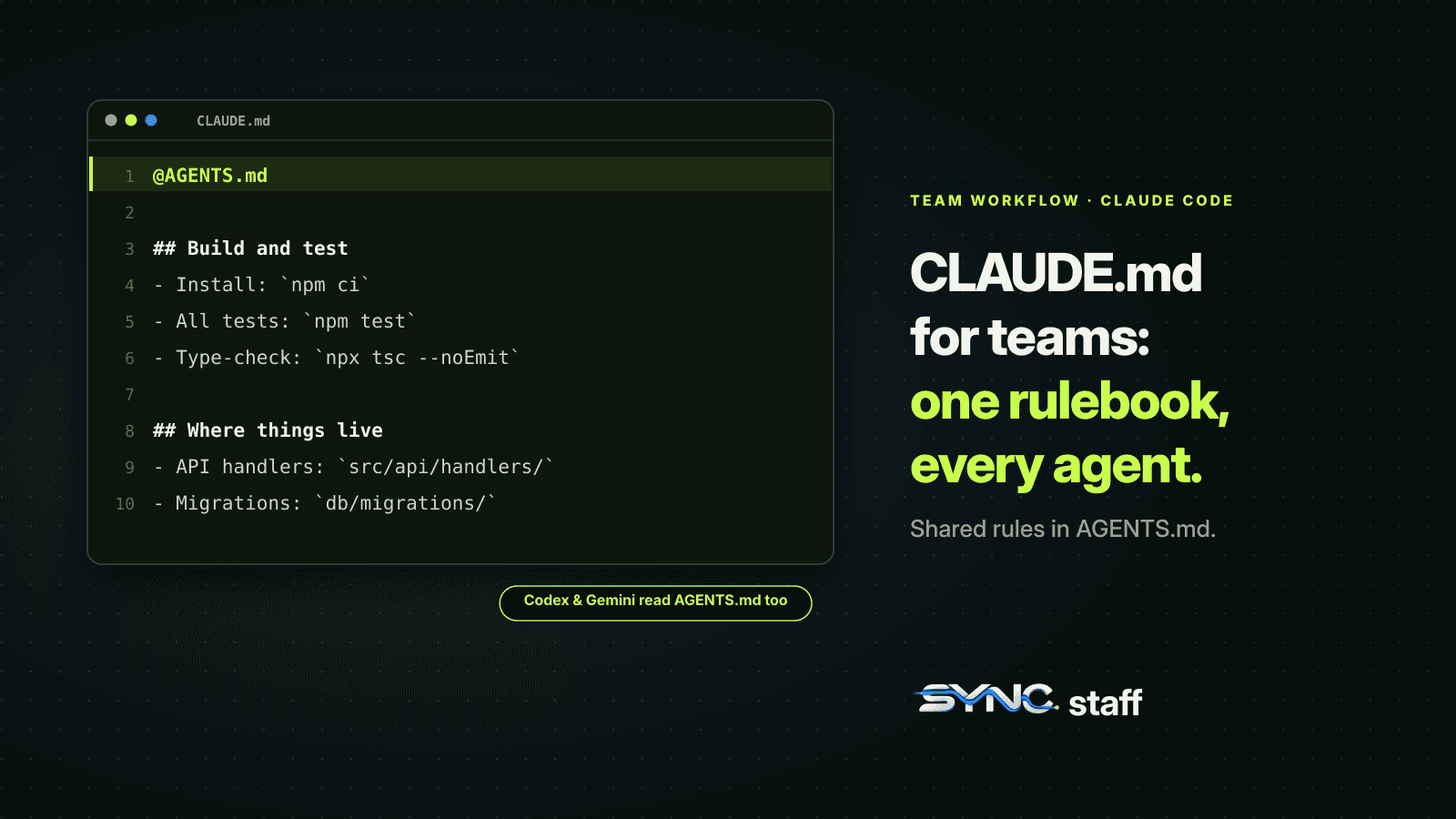
Most CLAUDE.md best practices are written for one developer and one agent. A team's file has a harder job: it's the shared rulebook for every agent anyone on the team starts, from Claude Code to Codex to Gemini, often at the same time. Our repository has run on one since July, with between 2 and 15 agents working in it at once, and it has been rewritten 16 times. This guide covers what belongs in a team CLAUDE.md, what to keep out, the AGENTS.md trap that catches mixed-tool teams, and why the rules that matter most can't live in the file alone.
What is CLAUDE.md?
CLAUDE.md is a markdown file of instructions that Claude Code loads at the start of every session. It's where you tell the agent how your project works: the commands to run, where code lives, the conventions to follow. Claude treats it as context, not enforced configuration, so how you write it decides how reliably the agent follows it.
There are four places a CLAUDE.md can live, each with a different reach:
| Scope | Location | Who it reaches |
|---|---|---|
| Managed policy | /etc/claude-code/CLAUDE.md on Linux, /Library/Application Support/ClaudeCode/CLAUDE.md on macOS |
Everyone in the organization |
| Project | ./CLAUDE.md or ./.claude/CLAUDE.md |
Everyone working in the repository, through Git |
| User | ~/.claude/CLAUDE.md |
You, in every project |
| Local | ./CLAUDE.local.md, kept out of Git |
You, in this project |
Files in the directories above where you start Claude load at launch. Files in subdirectories load on demand, when Claude works in that part of the tree. For a team, the project file is the one that matters: it's the only one every teammate's agent reads.
Is AGENTS.md the same as CLAUDE.md?
They do the same job for different tools. AGENTS.md is a tool-neutral instruction file that Codex and many other agents read. Claude Code can read it too, but by default only when there's no CLAUDE.md in the working directory or above. If your repository has both, Claude reads CLAUDE.md and ignores AGENTS.md, unless CLAUDE.md imports it.
That default catches teams that mix tools. Our repository has three instruction files: CLAUDE.md for Claude Code, AGENTS.md for Codex, and GEMINI.md for Gemini CLI. All three open with the same coordination protocol, because every agent, whatever model it runs, has to follow the same rules about which files it may touch. Keeping three copies in step is its own small job, and it's easy to update one and forget the others. Other tools resolve the two files the opposite way round: OpenCode reads AGENTS.md first and only falls back to CLAUDE.md, as we found when we tested OpenCode vs Claude Code.
The cleaner setup is one shared file. Put the tool-neutral rules in AGENTS.md and import it from CLAUDE.md, with anything Claude-specific underneath:
@AGENTS.md

## Claude Code

Use plan mode for changes under `src/billing/`.
Claude reads the imported file first, then the rest. A symlink (ln -s AGENTS.md CLAUDE.md) also works when there's nothing Claude-specific to add, with two catches from the docs: Claude's Edit and Write tools refuse to write through the symlink, and creating one on Windows needs extra privileges. If anyone on the team uses Windows, use the import.
What to put in a team CLAUDE.md
The test for every line is whether an agent could check it was followed. Anthropic's examples make the point: "Use 2-space indentation", not "Format code properly"; "Run npm test before committing", not "Test your changes".
A team file should cover:
- How to build, test and run. The exact commands, including the one that runs a single test. Agents guess these badly and waste minutes doing it.
- Where things live. A short map: which directory holds the API, the UI, migrations, shared types. If you keep a fuller map elsewhere, point to it rather than pasting it.
- The rules every agent must follow, written as steps. Ours starts with a coordination protocol: what to do at session start, before editing any file, while working, and when finished. "Follow this protocol exactly" is the first instruction, and every step names the exact call to make.
- Shared conventions that aren't in a linter. Naming, error handling, which library to use for what. If a linter or formatter enforces it, leave it out.
- The project's traps. The renamed directory that still has its old name on disk, the environment variable prefix that changed, the path convention that silently breaks things when you get it wrong. Our file has a whole section on that last one, because an agent that passes a path relative to the wrong directory doesn't fail; it quietly stops colliding with the agent working on the same file.
That last category is where a team file earns its keep. Every trap in it is there because an agent fell into it at least once.
What to keep out of it
- Personal preferences. Your editor habits and sandbox URLs belong in
CLAUDE.local.mdor your user file, not in the file your teammates' agents read. The same shared-versus-personal split applies to settings files, covered in Claude Code settings for teams. - Anything a tool already enforces. Formatting rules duplicated from Prettier just cost context.
- Rules for one corner of the codebase. Put them in
.claude/rules/withpathsfrontmatter, so they load only when Claude works on matching files. A database-migration rule doesn't need to sit in context while an agent edits CSS. - Long reference material. Imports keep the file tidy, but they don't save context: imported files load at launch too. Link to docs the agent can open when it needs them.
- Secrets. The file is committed. Treat it like code.
Anthropic's guidance is to keep each CLAUDE.md under 200 lines, because longer files consume more context and reduce adherence. Ours is 99. For the rest of a team's setup, see Claude Code best practices for teams.
Why the rules that matter can't live only in CLAUDE.md
Claude Code's documentation is direct about it: CLAUDE.md is context, not enforcement. "To block an action regardless of what Claude decides, use a PreToolUse hook instead." An instruction file shapes what the agent tries to do. It doesn't stop it.
That distinction decided how we built our setup. The coordination protocol is in CLAUDE.md so agents know the rules and follow them willingly. But the rule that actually prevents damage, don't edit a file another agent holds, is also checked by a hook that runs before every Edit and Write. If the coordination server can't confirm the agent holds a lease on that file, the edit is blocked, whatever the agent intended. Between August 3 and October 18, agents asked for files another agent already held 40 times, and were refused each time before editing.
Use CLAUDE.md for everything you want agents to understand. For anything you can't afford them to get wrong, add a hook or a permission rule as well. We showed a working ownership hook, tested with two Claude Code teammates, in what breaks when Claude Code agent teams collide.
A team CLAUDE.md template
@AGENTS.md

## Build and test
- Install: `npm ci`
- All tests: `npm test`. One file: `npm test -- path/to/file.test.ts`
- Type-check before committing: `npx tsc --noEmit`

## Where things live
- API handlers: `src/api/handlers/`. Shared types: `src/types/`.
- Migrations: `db/migrations/`, one file per change, never edited after merge.

## Working alongside other agents
- Several agents work in this repository at once. Before editing, check
  which files you own for this task. Never edit a file outside them;
  ask instead.
- Commit small and often, with the task id in the message.

## Traps
- Paths in tool calls are relative to the repository root, not your
  working directory.
- `legacy/` is read-only. Changes there go through a human.
Fit the sections to your project, but keep the shape: commands first, map second, collaboration rules third, traps last. Subagents read this file too unless their definition sets omitClaudeMd, so it shapes your helpers as well as your main sessions.
Keep it current
Two contradictory instructions are worse than none: Claude may pick one arbitrarily. Review the file whenever a rule changes, and check nested CLAUDE.md files and .claude/rules/ at the same time. The docs suggest having Claude audit the files for conflicts and stale instructions. When an agent breaks a rule, the fix is usually one of three things: the instruction was vague, it contradicted another one, or it needed a hook rather than a sentence.
Write it for the whole team, then enforce what matters
A good team CLAUDE.md is short, concrete, shared through Git, and honest about the project's traps. If your team uses more than one coding agent, make one file the source of truth and import it everywhere, so every agent gets the same rules. Then treat the file as the explanation, not the enforcement. When several people each run several agents, the rule "don't touch what someone else is changing" has to hold across all of them, whichever tool they use. That's the layer SyncStaff adds: the same protocol your CLAUDE.md describes, checked before every edit, with a person deciding the cases that matter.
Sources: Claude Code memory and CLAUDE.md documentation, AGENTS.md, Claude Code hooks reference.
Frequently asked questions
Is AGENTS.md the same as CLAUDE.md?
They do the same job for different tools. Codex and many other agents read AGENTS.md; Claude Code reads CLAUDE.md. Claude Code can read AGENTS.md too, but by default only when no CLAUDE.md exists. If you keep both, put @AGENTS.md at the top of CLAUDE.md so every agent gets the same rules.
What should I put in a CLAUDE.md file?
Put what an agent can check it followed: exact build and test commands, a short map of where code lives, the rules every agent must follow written as steps, conventions no linter enforces, and the project's known traps. Leave out personal preferences, formatting a tool already enforces, long reference docs, and secrets.
How long should CLAUDE.md be?
Anthropic recommends keeping each CLAUDE.md under 200 lines, because longer files consume more context and reduce how reliably Claude follows them. Move rules that apply to one part of the codebase into .claude/rules files with path patterns, so they load only when Claude works on matching files. Our team file is 99 lines.
Should CLAUDE.md be committed to Git?
Yes, the project CLAUDE.md should be committed so every teammate's agent reads the same instructions. Keep personal, project-specific preferences in CLAUDE.local.md, which stays out of Git, and personal preferences for every project in ~/.claude/CLAUDE.md. Never put secrets in either file, because the project file is shared.