Codex Plugin for Claude Code: Two Vendors, One Workflow
How OpenAI's Codex plugin for Claude Code works: install, review and rescue commands, the review gate, and what it can't coordinate on a team.
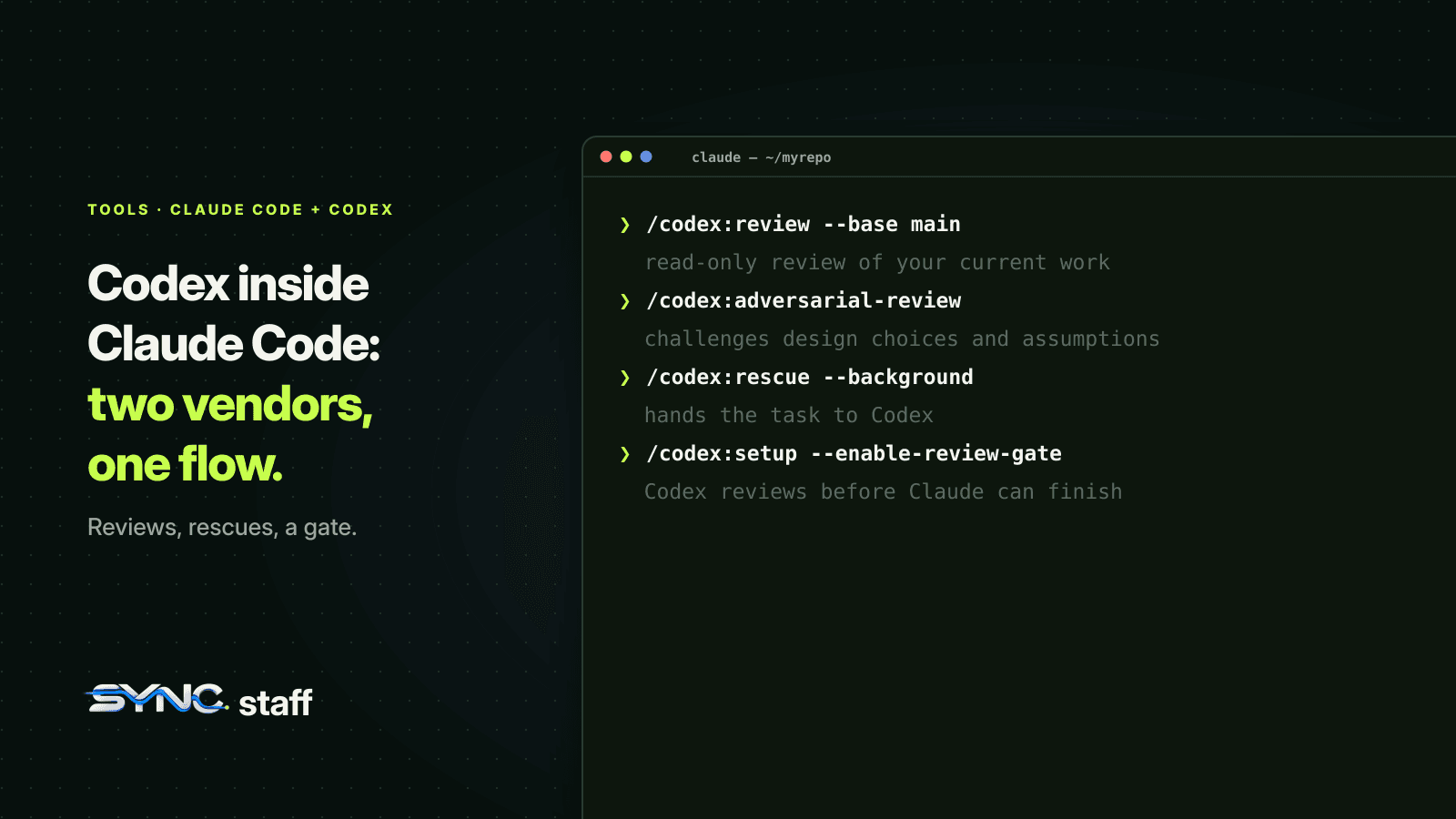
The Codex plugin for Claude Code is OpenAI's official way to use Codex from inside an Anthropic tool. It lets Claude Code hand a review or a whole task to Codex without leaving the session. For a team that already runs both, as we do, it's the first time the two vendors' agents share a workflow on purpose. This guide covers what the plugin does, how to install it, each command, the optional review gate, and what it doesn't solve when several people's agents share one repository.
What is the Codex plugin for Claude Code?
The Codex plugin for Claude Code, published by OpenAI as openai/codex-plugin-cc, adds slash commands to Claude Code that send work to Codex: a read-only code review, a harder adversarial review, or a whole task delegated to Codex to do. It doesn't run its own model. It calls the Codex CLI already installed on your machine, using your existing Codex login and configuration.
That design matters. Usage counts against your Codex limits, your ~/.codex/config.toml applies, and anything Codex does still happens through your local Codex install, with Codex's own sandbox and approval settings.
What you need
- A ChatGPT subscription, including the free tier, or an OpenAI API key
- Node.js 18.18 or later
- The Codex CLI, which the setup command can install for you if npm is available
How to install it
Inside Claude Code, run:
/plugin marketplace add openai/codex-plugin-cc
/plugin install codex@openai-codex
/reload-plugins
/codex:setup
/codex:setup checks that Codex is installed and signed in. If Codex isn't installed, it can install it; you can also run npm install -g @openai/codex yourself. If Codex isn't logged in, run !codex login from the Claude Code prompt.
Codex reads your user configuration from ~/.codex/config.toml, with project overrides in .codex/config.toml. Project overrides only load once you've trusted the project.
The commands
| Command | What it does |
|---|---|
/codex:review |
A normal, read-only Codex review of your current work. Takes --base <ref>, --wait or --background |
/codex:adversarial-review |
A review that challenges design choices and assumptions. Same flags, plus optional focus text |
/codex:rescue |
Hands a task to Codex through a codex:codex-rescue subagent. Takes --background, --wait, --resume, --fresh, --model and --effort |
/codex:transfer |
Turns the current Claude Code session into a persistent Codex thread and prints a codex resume command |
/codex:status |
Shows running and recent Codex jobs for this repository |
/codex:result |
Shows the final output of a finished job |
/codex:cancel |
Cancels a background job |
/codex:setup |
Checks installation and login, and turns the review gate on or off |
The two review commands are read-only: they report problems, they don't fix them. /codex:rescue is the one that changes code.
How to use it well
The plugin is most useful in three situations.
A second opinion from a different model. Claude reviewing code Claude just wrote shares its own blind spots. Anthropic's own best-practices guide makes the general point: a fresh context reviews better because it isn't biased toward the code it produced. A different vendor's model is a fresher context still. Run /codex:adversarial-review with a focus like "concurrency and error handling" before you merge anything non-trivial.
A stuck task. When Claude has looped on the same bug twice, /codex:rescue hands the task to Codex with the context so far. The README even names the use case: it's for rescue. Run it with --background and keep working while Codex tries.
Moving a session between tools. /codex:transfer gives you a codex resume <session-id> command, so a colleague who works in Codex can pick up where your Claude session left off.
The review gate: powerful, and expensive
/codex:setup --enable-review-gate adds a Stop hook. Each time Claude finishes a response, Codex runs a targeted review of it, and if Codex finds problems, Claude isn't allowed to stop until it addresses them. It's a genuine quality gate built from two vendors' models.
OpenAI's README carries a clear warning: the gate "can create a long-running Claude/Codex loop and may drain usage limits quickly." Turn it on for a session you're actively watching, for code that justifies two models' worth of tokens, and turn it off with --disable-review-gate afterwards. We cover how Stop hooks work, and other gates you can build, in Claude Code hooks for teams.
Codex plugin vs running Codex separately
| Codex plugin in Claude Code | Codex in its own session | |
|---|---|---|
| Where you work | One Claude Code session | Two terminals or apps |
| Best for | Reviews and handing off one task | Long, independent work in parallel |
| Who drives | Claude delegates to Codex | You drive each agent |
| Isolation | Runs through your local Codex CLI and its sandbox settings | You choose, for example a --worktree per session |
The plugin is for collaboration on one piece of work. For two agents building different things at once, separate sessions in separate worktrees are still the right shape. We tested what that looks like with Codex worktrees and Claude Code subagents.
What the plugin doesn't coordinate
The plugin connects two agents in one person's session. It doesn't know about anyone else's. My co-founder Nick works mostly in Codex, and I watch my Claude Code agents in tmux split panes; between us we run anywhere from 2 to 15 agents on one repository, across Anthropic, OpenAI and Gemini models. A /codex:rescue started from my session has no way to know that one of Nick's Codex sessions is already halfway through the same file.
That's not a criticism of the plugin. It's built to bring Codex into a Claude Code workflow, and it does that cleanly. But the moment two people are each running agents from two vendors, coordination has to sit above every session and every tool, not inside one of them. The same boundary applies to Claude Code's own parallel features, which we described in what breaks when Claude Code agent teams collide.
A setup for teams that use both
- Install the plugin per developer, not per repository. It uses each person's own Codex login and limits.
- Agree when Codex reviews. For example: every change that touches shared interfaces gets
/codex:adversarial-reviewbefore merge. - Keep the review gate opt-in and use it on watched sessions only, because of the token cost.
- Use one instruction file for both tools. Codex reads AGENTS.md; Claude Code reads CLAUDE.md and can import AGENTS.md. One shared source keeps both models on the same rules, as we cover in CLAUDE.md best practices for teams.
- Coordinate across sessions, not just inside one. Two vendors in one session is easy now. Two people's agents in one repository still needs a layer that knows who is changing what.
Troubleshooting the Codex plugin
Most problems show up in /codex:setup, so run it first. The common ones:
- Codex isn't installed.
/codex:setupcan install it when npm is available, or runnpm install -g @openai/codexyourself. - Codex isn't signed in. Run
!codex loginfrom the Claude Code prompt. The plugin uses your Codex login, not a separate account. - You use a custom endpoint. Set
openai_base_urlin your Codex config; the plugin reads the same configuration as the CLI. - Project settings are ignored. Codex only loads
.codex/config.tomlfrom a project you've trusted. Until then it uses~/.codex/config.tomlalone. /codex:transferfails. It reads session sources under~/.claude/projects, and older Codex versions need upgrading before it works.- A review takes a long time. Multi-file reviews can. Start them with
--background, check/codex:status, read the output with/codex:result, and stop one with/codex:cancel. - The review didn't fix anything. That's by design: both review commands are read-only. Ask Claude to address the findings, or hand the fix to Codex with
/codex:rescue.
One more habit worth adopting: say in the prompt what you want Codex to focus on. /codex:adversarial-review accepts focus text after its flags, and "check the retry logic and error handling in the payment client" gets a sharper review than a general pass over the whole diff.
Two vendors, one repository, one set of rules
The Codex plugin makes mixing Claude Code and Codex practical inside a session: Claude can ask Codex for a review, hand it a stuck task, or pass a whole session across. Use it for second opinions and rescues, keep the review gate for watched sessions, and give both tools the same instructions. When your team's agents span several people and vendors, SyncStaff coordinates them: every agent, from Claude Code, Codex or Gemini, declares what it's about to change and leases the files first, so two vendors' agents never quietly work on the same file.
Sources: openai/codex-plugin-cc on GitHub, Claude Code best practices.
Frequently asked questions
Is there a Codex plugin for Claude Code?
Yes. OpenAI publishes an official plugin, openai/codex-plugin-cc, that adds Codex commands to Claude Code. Install it with /plugin marketplace add openai/codex-plugin-cc and /plugin install codex@openai-codex, then run /codex:setup. It needs a ChatGPT subscription or OpenAI API key and Node.js 18.18 or later.
What can the Codex plugin do in Claude Code?
It sends work from Claude Code to Codex. /codex:review runs a read-only review, /codex:adversarial-review challenges design choices, /codex:rescue hands a task to Codex, and /codex:transfer moves the session into a Codex thread. Status, result and cancel commands manage background jobs. Reviews report problems but don't fix code.
Does the Codex plugin use my Codex account?
Yes. The plugin delegates through the Codex CLI installed on your machine, so it reuses your existing Codex login and your ~/.codex/config.toml settings. Usage counts toward your Codex limits, not your Claude plan. If Codex isn't signed in, run !codex login from the Claude Code prompt.
What is the Codex review gate?
An optional Stop hook, enabled with /codex:setup --enable-review-gate, that has Codex review each Claude response and blocks Claude from finishing until problems are addressed. OpenAI warns it can create a long-running Claude and Codex loop that drains usage limits quickly, so use it only on sessions you're actively watching.