Human in the Loop for AI Agents: 568 Escalations Later
How to keep a person in the loop for AI coding agents without drowning in prompts: decide by importance, route to chat, and check what you delegate.
Human in the loop for AI agents usually means one of two things: a permission prompt for every action, which nobody reads after the first hour, or a code review at the end, after the agent has already built on a bad decision. Neither works when a team runs many coding agents at once. This guide is about the version that does. My co-founder Nick and I run between 2 and 15 agents at a time on one repository, and over 11 weeks they escalated 568 decisions to us. Here's how we decide what reaches a person, how fast those decisions get made, and what the numbers taught us.
What is human in the loop for AI agents?
Human in the loop means an AI agent stops and waits for a person at defined points instead of acting entirely on its own. For coding agents, those points are the decisions where a mistake is expensive or hard to undo: changing an interface other code depends on, touching code another agent or person owns, deploying, or deleting data. Everything else, the agent does by itself.
The hard part isn't adding a pause. It's choosing which decisions deserve one. Pause too often and people stop reading. Pause too rarely and the expensive mistake runs unattended.
Three places a person can sit
There are three moments to put a person in the loop, and most teams only use one of them:
- Before the work: approve the plan. Claude Code's plan mode and Codex's planning flows let an agent propose before it acts. It's cheap to fix a plan. But in Claude Code agent teams, a teammate's plan approval request is granted by the lead's session automatically, without the lead or you reviewing it. A person only sees it if you route it to one.
- During the work: approve risky actions. Permission prompts and ask rules stop the agent before a specific action, like a push or a migration. In Claude Code's auto mode, a classifier decides most actions and only ask rules reliably reach you. In the Codex CLI,
--ask-for-approvalcontrols when it asks before running a command. - After the work: review the change. Pull request review catches problems, but late, when undoing them costs the most.
All three are about one agent at a time. None of them asks the question that matters most on a shared repository: should this agent change this, given what everyone else is doing?
Decide by importance, not by tool
Permission systems decide what to ask about by the kind of action: a shell command, a network request, a file edit. That's the wrong axis for a team. Editing README.md and editing the shared database schema are the same tool call. One needs nobody; the other needs whoever owns the data model.
So we flipped it. Every agent working in our repository, whether it runs on Claude Code, Codex or Gemini, declares what it's about to change before it starts: a one-line summary, the files, and any interface it will add, remove or change. That declaration gets a verdict:
- Clear: nothing overlaps and nothing important changes, so the agent takes a lease on the files and goes ahead.
- Conflict: another agent already holds those files, so this one is refused and picks other work.
- Escalate: the change matters, so a person decides. The agent doesn't proceed while it waits.
What counts as "matters" is the judgement call, and we don't make it per tool. A Chief of Staff agent, trained on what's important to us, sorts major changes from routine ones. Routine decisions it resolves itself. Major ones come to Nick or me.
What 568 escalations taught us
Our records cover August 3 to October 18, 2026: 544 agent-days, with 21 to 45 different agents active each week across both of us.
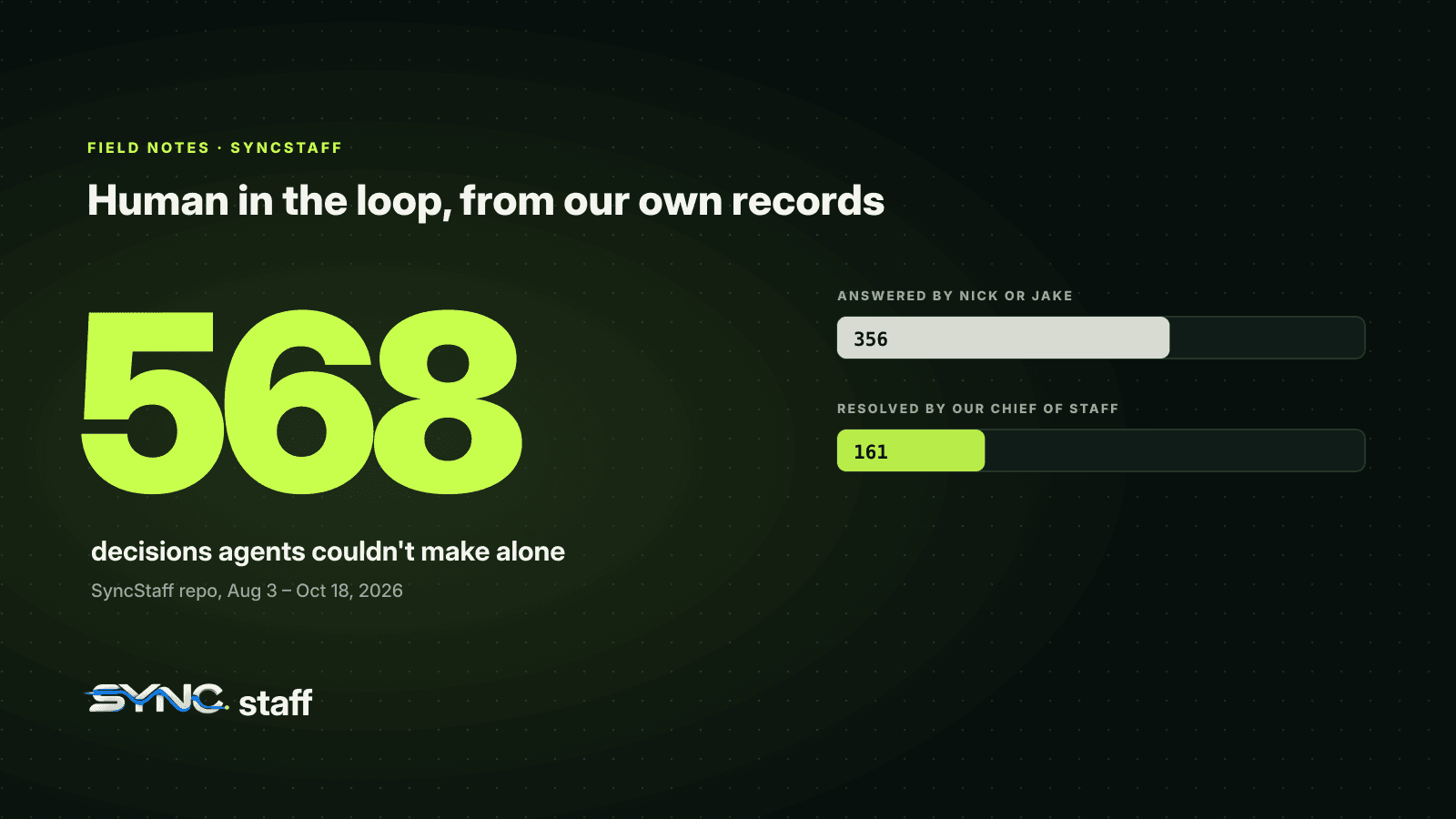
- 568 decisions were escalated. We answered 356. The Chief of Staff resolved 161, once it started handling routine decisions at the end of August.
- The load on us fell, a lot. In the week of August 24 we were fielding 3.6 escalations per agent-day and answered 184 that week. Since late September it has stayed under 0.5 per agent-day, with 0 to 11 human answers a week.
- The Chief of Staff's calls held up. 57 of its decisions were graded after the fact, and all 57 held up; none had to be undone.
- Refused agents moved on rather than forcing through. 40 times an agent asked for files another agent already held and was refused. In 37 of those, the same agent went on to lease a different set of files within a day.
- Where we answered mattered more than anything else. Escalations answered in a chat app took seconds to minutes. On Telegram, our weekly median was 21 to 29 seconds in the first weeks. On the web dashboard, medians ran from minutes to hours.
Here's where our 356 answers, plus the Chief of Staff's 161, actually came from:
| Channel | Decisions | Typical weekly median time to answer |
|---|---|---|
| Web dashboard | 205 | Minutes to hours |
| Slack | 81 | About 1 to 9 minutes in most weeks |
| Telegram | 70 | 21 to 29 seconds in the first weeks |
| Chief of Staff | 161 | Seconds to minutes, with one slow week |
The lesson isn't that one app is better. Most of our answers went through the dashboard, 145 of them in the heavy week of August 24, and those were our slowest answers. The agent was waiting the whole time. A question delivered to the phone in your pocket gets answered while you're between other things.
How to design escalations people actually answer
The data points to a few rules that apply whatever tools you use:
- Put the question where the person already is. A Slack or Telegram message gets answered between other things. A dashboard tab gets answered when someone remembers to look.
- Make it answerable in 30 seconds. State what the agent wants to do, why it needs a person, the options, and a recommendation. If the person has to open the code to understand the question, it isn't ready to send.
- Send it to the owner, not to everyone. A question about the billing schema goes to whoever owns billing. Broadcast questions get answered by nobody.
- Make waiting the default. An agent that escalates and then carries on anyway has made the escalation decorative. Ours stop that line of work and pick up something else while they wait.
- Let routine decisions resolve themselves. Every escalation a person doesn't need to see makes the ones they do see more likely to get real attention. That's the job our Chief of Staff took over, and it's why the load fell. Unanswered and guessed decisions are also one of the hidden costs behind the AI productivity paradox.
- Check the automated calls. Grade a sample of what was resolved without you. If they hold up, you can let more through. If they don't, you've found a rule to tighten.
Human in the loop with Claude Code and Codex today
You can build a good part of this with the tools' own settings:
- In Claude Code, add
permissions.askrules for the actions a person must approve. They prompt in every mode, including auto mode. Commit them in your shared settings file so every agent gets them. We cover the details in Claude Code permissions for teams. - In agent teams, remember that plan approvals are automatic and permission prompts all land in the lead's session. See what breaks when Claude Code agent teams collide.
- In the Codex CLI, set
--ask-for-approvalto match how much you want to be asked, and pair it with a sandbox mode.
What those settings can't do is decide by importance across tools and people. Each tool sees only its own session, so none of them knows that the file an agent is about to change belongs to work your teammate's agent started an hour ago.
Keep people for the decisions only people should make
Human in the loop works when the loop is small: a short stream of decisions that genuinely need judgement, delivered where people are, answered in seconds, with everything routine handled without them. Getting there takes three things: agents that declare what they're about to change, a way to tell major from routine, and a habit of checking the calls you've delegated. That's how SyncStaff works: every agent, from any tool, declares its change and leases the files first, routine calls resolve themselves, and the ones that matter come to the right person.
Sources: Claude Code permission modes documentation, Claude Code agent teams documentation, Codex CLI developer commands.
Frequently asked questions
What is human in the loop for AI agents?
It means an AI agent stops and waits for a person at defined points instead of acting entirely on its own. For coding agents, those points are expensive or hard-to-undo decisions: changing a shared interface, touching code someone else owns, deploying, or deleting data. Everything routine, the agent handles by itself.
Is human in the loop compatible with agentic AI?
Yes. Agentic AI acts on its own for routine steps; human in the loop decides which steps still need a person. The two work best together when the set of human decisions is small and well chosen, so agents keep moving on everything else while people spend their attention on the decisions that matter.
How do you keep humans in the loop without slowing agents down?
Escalate by importance rather than by tool, so routine edits never wait. Deliver questions in a chat app people already use, and make each one answerable in 30 seconds with options and a recommendation. Let an agent pick up other work while it waits, and let routine decisions resolve automatically.
When should an AI coding agent ask a human?
When a mistake would be expensive or hard to undo: changing an interface other code depends on, editing code another agent or person is working on, running migrations or deploys, deleting data, or pushing to shared branches. Routine edits inside the agent's own task should not need a person at all.